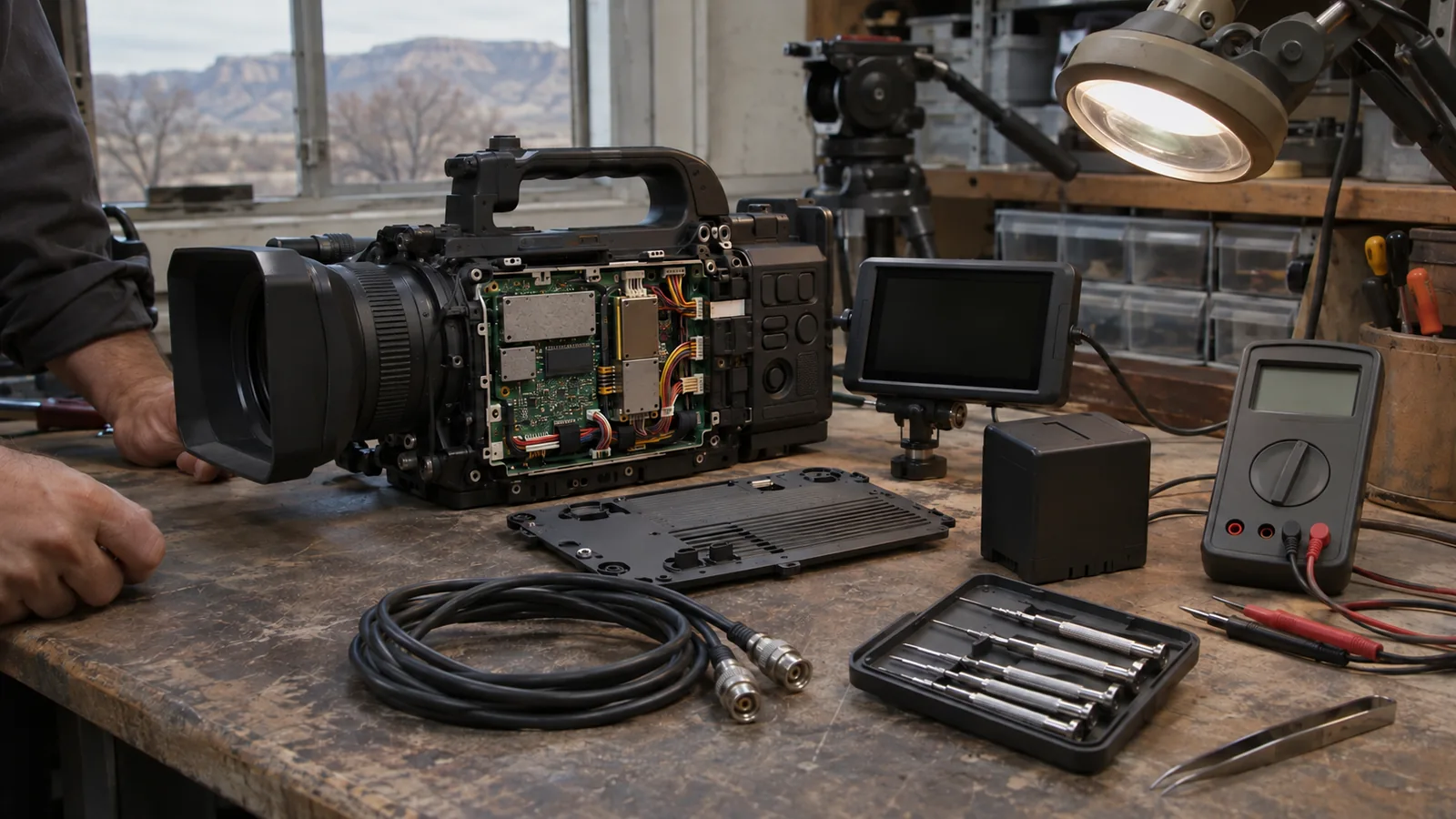
Video production equipment repair in Grand Junction gets cameras, recorders, monitors and video connections working again without shipping them across the country. GJ Tech Help diagnoses and repairs production gear for videographers, churches, schools and businesses in Grand Junction, Fruita and Palisade, and gives you a clear price before any work starts.
What video production equipment repair covers
A video kit is a chain: camera, media, cables, monitor, recorder or switcher, and power. When the picture fails, the fault can be anywhere along that chain. Good troubleshooting finds the weak link instead of replacing the most expensive piece first.
- Cameras and camcorders: no power, buttons or dials that stop responding, loose or broken input jacks, audio inputs that hum or drop out, and connectors that no longer hold a cable.
- Monitors and recorders: dead screens, flicker, inputs that stopped detecting a signal, and power connectors worn loose.
- Video connections: SDI and HDMI cables, adapters and panel connectors that cause flicker, dropouts or no signal at all.
- Audio for video: XLR inputs, wireless mic receivers and the cables that link them. See camera, mic and DJ equipment repair for the full list of production gear GJ Tech Help works on.
- Mounts and accessories: broken plastic clips, cold-shoe mounts and brackets, which custom 3D printing can often replace.
Some repairs belong with the manufacturer. Work on lens optics, image sensors and sealed modules usually needs factory parts and calibration, and Cody will tell you plainly when a job should go back to the maker.
Common faults and where to look first
| Symptom | Check first | Common cause if checks pass |
|---|---|---|
| No signal on the monitor | A known-good cable, the camera's output setting, the monitor's input selection | Damaged connector or output on the camera or monitor |
| Picture flickers or drops out | Cable length and condition, adapters in the chain | Worn connector, damaged cable, failing output |
| Recording stops or drops frames | Media card rating and condition, a freshly formatted card | Card too slow for the format, failing card, camera fault |
| Hum or crackle in camera audio | The XLR cable and mic on another device | Damaged input jack or cracked solder joint |
| Camera will not power on | A second charged battery, the battery contacts | Power board or battery connector fault |
| Buttons or dials unreliable | Firmware version and settings reset | Worn or dirty switch, damaged ribbon cable |
Audio problems on video shoots
Bad audio ruins more footage than bad picture. On cameras with XLR inputs, a hum, buzz or crackle usually comes from a damaged cable, a loose input jack, or the wrong input level setting between mic and line. Wireless mic systems add their own failure points: worn battery contacts, damaged antennas and receiver outputs. Testing the same mic and cable on a second device quickly shows whether the camera or the accessory is at fault.
Safe checks before you call
Rule out the cable and the adapter
Most video problems on set turn out to be a cable, an adapter or a setting. Swap in a cable you know works and take adapters out of the chain one at a time. Bent pins and cracked connector housings are easy to spot with a flashlight.
Check the media
Dropped frames and stopped recordings often come from the card, not the camera. Cards carry speed ratings that state the minimum write speed they guarantee. The SD Association's speed class guide explains the Video Speed Class symbols (V6, V10, V30, V60, V90) and advises using a card with the same or a higher class than the device requires. Format the card in the camera, not on a computer, and retire cards that keep throwing errors.
Update firmware carefully
Many odd behaviors are fixed by a firmware update. Get updates only from the maker, such as Canon U.S.A. support for Canon cameras or the Blackmagic Design support center for Blackmagic cameras, recorders and switchers. Use a fully charged battery or mains power, follow the instructions exactly, and never interrupt an update.
Know when to stop
Do not open a camera that is still under warranty, and do not probe inside a monitor or power supply. Static is another hidden risk: the EOS/ESD Association notes that many electronic components can be damaged by less than 100 volts of static, well below what you can feel. If something got wet or dropped hard, power it off and leave it off until it has been checked.
Why local video equipment repair matters in Grand Junction
For a working videographer or a church media team, the real cost of a broken camera is the shoot or the Sunday service you cannot cover. Mail-in service means packing, shipping and waiting. A local repair, by appointment, lets you hand the gear to the person doing the work, explain the fault, and hear exactly what was wrong.
Cody Kennerknecht, who runs GJ Tech Help, spent 13 years in live television as a newscast director and broadcast engineer at NBC-affiliate stations in Casper, Wyoming and Grand Junction. Cameras, monitors, video routing and the cables that tie them together were the daily work. Read more about Cody's background.
Keeping video gear working
- Coil cables over-under and never wrap them tight around your elbow. Kinked cables cause intermittent faults later.
- Support heavy connectors. A heavy cable hanging off a camera's output jack slowly loosens it. Use a strain relief or clamp.
- Pack cameras with the lens cap and body cap on and keep dust out of open ports with caps or covers.
- Let gear acclimate. Moving from a cold vehicle into a warm room can cause condensation on and inside equipment. Give it time to warm up in its bag before powering on.
- Keep batteries healthy. Store them partly charged in a cool place, and replace any that swell, crack or get unusually hot.
- Label and test spare cables before every shoot so the backup is actually a backup.
Churches and schools often run cameras into a livestream system, where the fault may be in the encoder, the computer or the network. GJ Tech Help sets up and troubleshoots church livestream and AV systems and handles the computer side through computer help and IT support. For DJ and audio gear, see the earlier post on DJ equipment repair in Grand Junction.
Repair or replace?
Production cameras, monitors and recorders cost enough that a single failed connector or power fault is almost always worth fixing. The math changes for older consumer camcorders and cameras whose formats or software are no longer supported. If the repair would cost close to a newer model that does the job better, Cody will say so before any work starts, so you can decide with the numbers in front of you.
Gear that cannot be saved still has a place to go. It belongs at an e-waste drop-off, not in the trash. The post on electronics repair in Grand Junction covers Colorado's e-waste rules and the Mesa County drop-off.
How a video equipment repair works with GJ Tech Help
- Call or text 970-250-6613. Describe the fault, what the gear is connected to, and send a photo or short video of the problem.
- Get a clear price. Cody checks the gear and tells you the cost before any work starts. Customers 55 and older get a 15% discount.
- The repair. Bench work by appointment, or on-site for installed systems.
- Plain-English rundown. You learn what failed, what was replaced, and how to avoid a repeat.
Bring the camera with its battery, charger or power supply, the cables you were using, and the media card if recording was the problem. The service area covers Grand Junction, Fruita, Palisade, Clifton, Orchard Mesa, the Redlands, Loma and Whitewater, with farther parts of the Western Slope by arrangement. Have a shoot coming up and gear acting up? Contact GJ Tech Help to set up a time.
Common questions
Can you repair professional video cameras?
Yes, for many faults such as broken input and output connectors, power problems, worn controls and audio inputs. Lens optics and image sensors usually need the manufacturer, and Cody will tell you when that is the better path.
Why does my camera keep dropping frames?
The memory card is the usual suspect. Use a card with the speed class your camera requires, format it in the camera, and replace cards that throw errors. If a known-good card still drops frames, have the camera checked.
Why do I get no signal from my camera to my monitor?
Check the cable, any adapters, the camera's output setting and the monitor's input selection first. If those are fine, a connector or output may be damaged.
How much does video equipment repair cost?
It depends on the fault and the parts. GJ Tech Help looks at the gear first and gives you the price before any work starts. Customers 55 and older get a 15% discount.
Do you work with church and school media teams?
Yes. GJ Tech Help repairs cameras and connections and sets up livestream systems for churches, schools and event spaces across Mesa County, by appointment.
Do you repair video gear for Fruita and Palisade?
Yes, by appointment. GJ Tech Help works across Mesa County, including Grand Junction, Fruita, Palisade, Clifton, Orchard Mesa, the Redlands, Loma and Whitewater.
About the technician
GJ Tech Help is run by Cody Kennerknecht: 13 years in live television as a newscast director and broadcast engineer, IT and cybersecurity lead for Charity Safaris, and FCC-licensed amateur radio operator K6SBR. More about Cody.